


PolyKybd
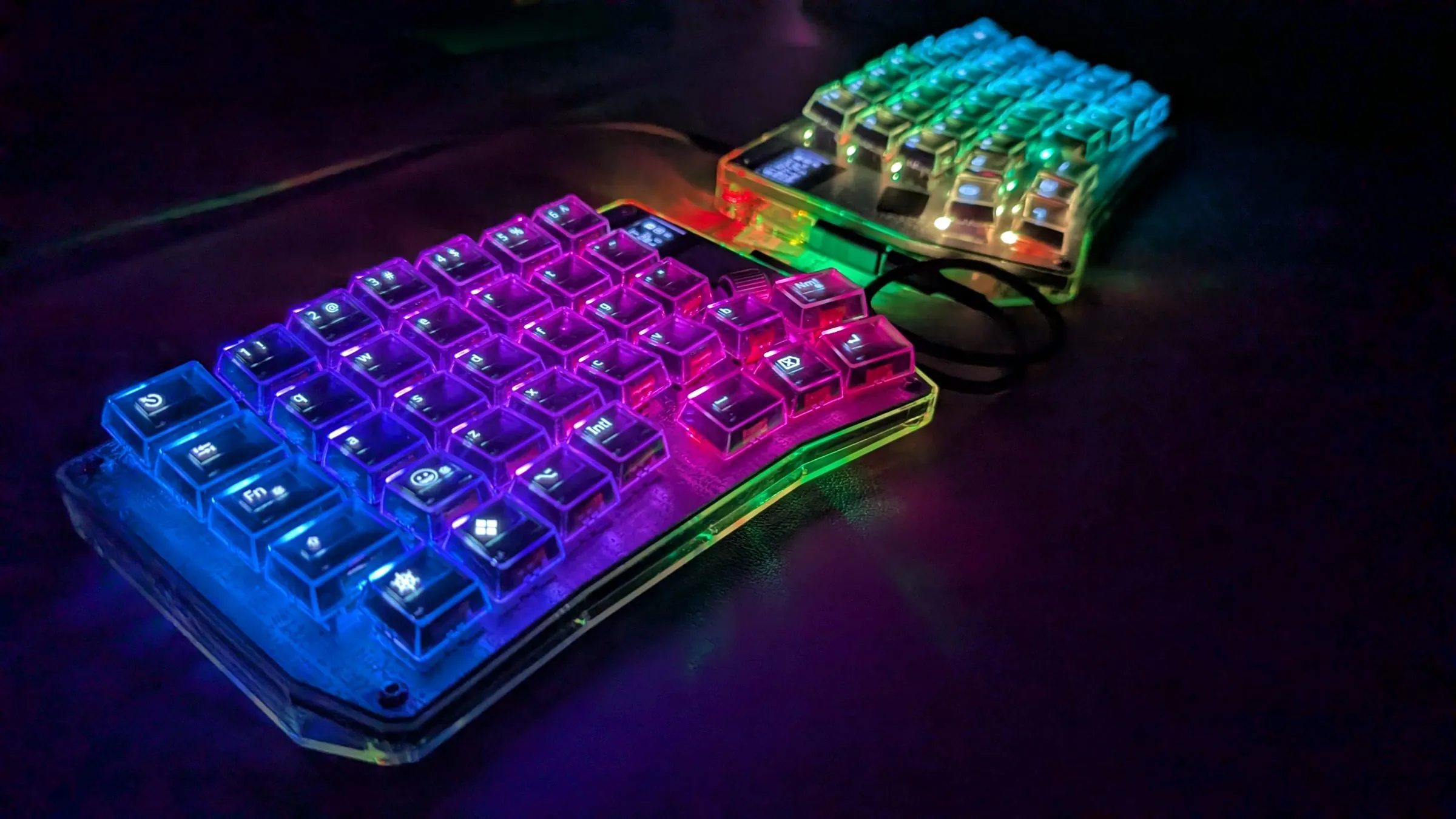
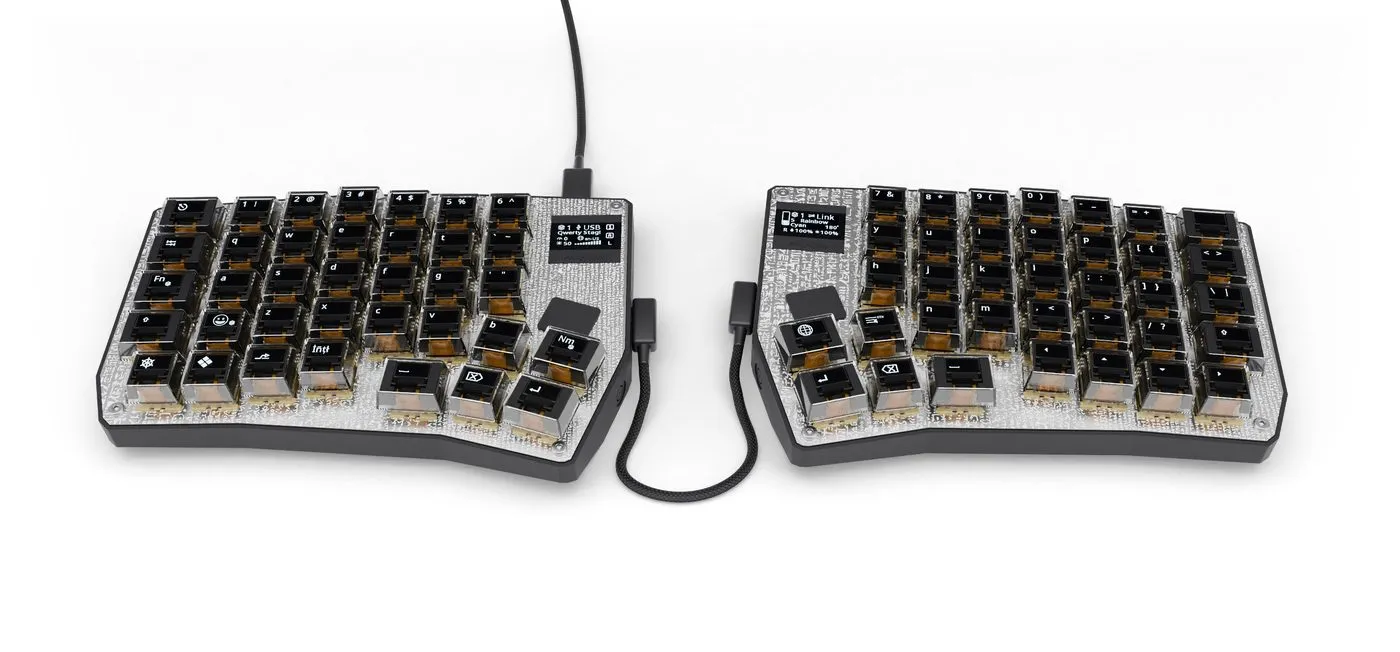
A split ergonomic keyboard where every key has its own tiny OLED display — driven live by host software that follows your active window.

Browse the docs
Section titled “Browse the docs”IntroductionHow the keyboard, firmware and host app fit together.
AssemblyParts list, PCB, case, displays, switches and the step-by-step build.
SetupInstall PolyKybdHost and flash the firmware onto a finished board.
Using the KeyboardOverlays, languages, glyph scripts, brightness, idle, keymaps and multi-machine use.
Host SoftwareThe tray app, the daemon/client model, the polyctl CLI and WinCompose.
FirmwareWhat runs on the RP2040 — keyboard variants and font packs.
HardwareSchematics, electronics and PCB / case modification.
HowToAdd a language or glyph script, create app overlays, build from source, edit the keymap.
DevelopmentSystem model, firmware development, display graphics, the test rig and contributing.
ReferenceHID protocol, browser-extension privacy and the glossary.
The ecosystem
Section titled “The ecosystem”Eight open repositories, connected as described in Architecture & Ecosystem:
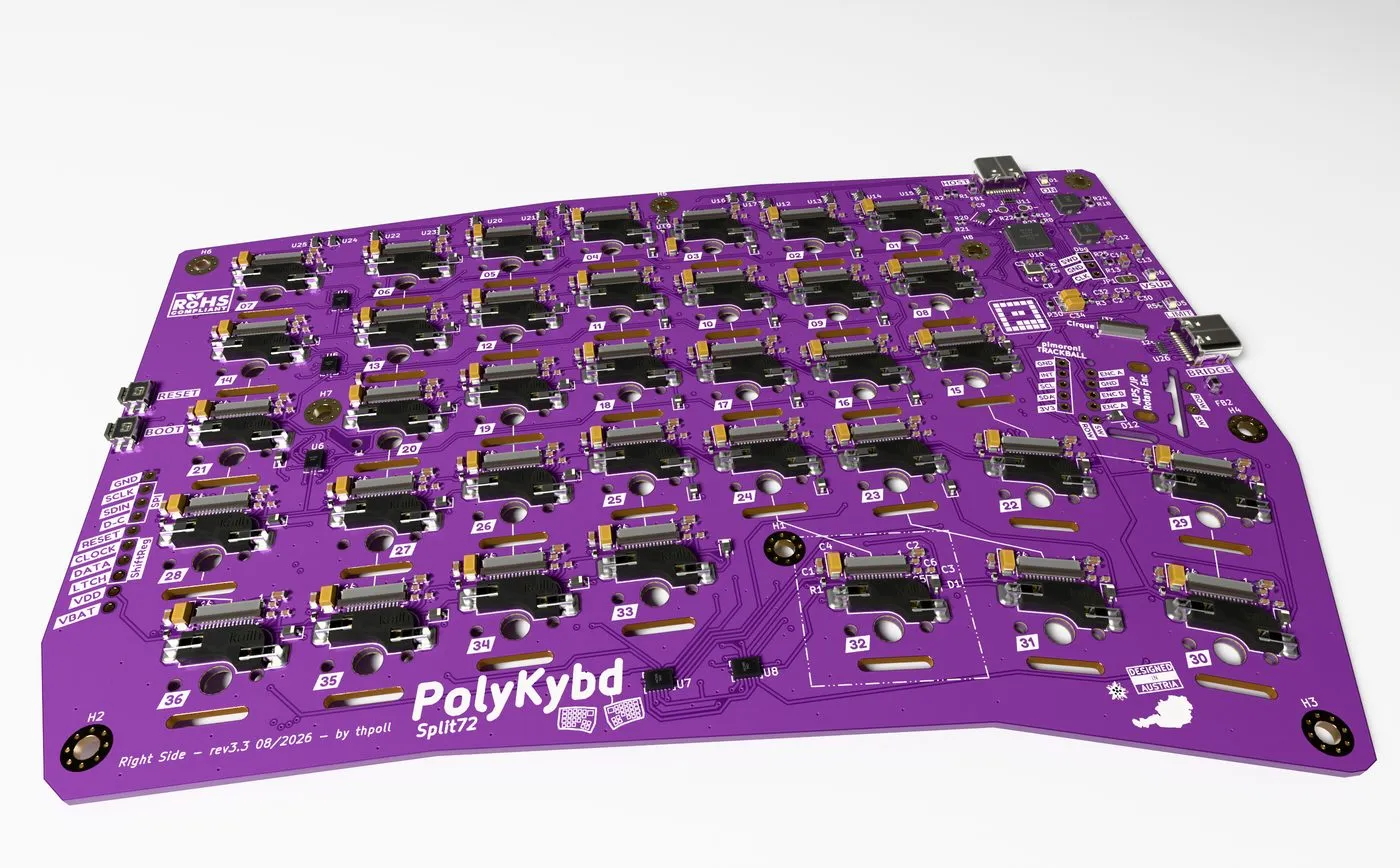
- PolyKybd — KiCad PCBs, plates, 3D-printable case and key stems
- qmk_firmware — the RP2040 firmware, branch
PolyKybd, variantssplit72andsplit42 - PolyKybdHost — the Python daemon, tray app and
polyctlCLI - Adafruit-GFX-Library — the GFX fork the firmware draws with, plus
fontconvert - wincompose — maintained fork of Sam Hocevar’s WinCompose, for unicode input on Windows
- gnome-wayland-winreader — read-only GNOME Shell extension reporting the focused window on Wayland
- polykybd-ctnd — Raspberry Pi hardware-in-the-loop test and CI rig
- polykybd-docs — this site
Independent open hardware — say hello on Discord, support it on Ko-fi.